
You have definitely seen that specific bright lime green background and the slightly blurry, lowercase font taking over your feeds. What started as the visual identity for Charli XCX’s hit album BRAT has evolved into the internet’s favorite cultural language.
If you want to recreate that exact unapologetic, raw, and confident aesthetic without needing any complex design skills, our Brat Generator is the ultimate free online tool for you! With absolutely no signup required, no hidden premium tiers, and zero watermarks, you can transform any text into a viral meme or custom graphic in seconds.
What is the Brat Generator?
The Brat Generator is a fast, web-based tool designed to replicate the iconic 2024 album cover aesthetic. You don’t need to be a professional designer to use it; simply type your phrase, and the tool applies the distinct styling instantly.
With this versatile tool, creators and fans are making:
- Custom Brat-Style Captions: Perfect for leveling up your Instagram bio or TikTok descriptions.
- Viral Pop Culture Memes: Turn inside jokes or funny phrases into high-engagement social posts.
- Custom Album Covers: Create personalized fan art or unique Spotify playlist covers.
- Social Media Assets: Design eye-catching TikTok thumbnails and YouTube graphics that stop users mid-scroll.
How to Use the Brat Generator (Step-by-Step)
Creating your customized design takes less than a minute. Just follow these simple steps:
Step 1: Open the Tool
Launch the official Brat Generator webpage on any browser. If you want to focus exclusively on typography without backgrounds, you can also try our dedicated Brat Text Generator.
Step 2: Input Your Text
Type the name, lyric, catchphrase, or joke you want to style into the designated text box.
Step 3: Choose Your Format
Select the appropriate format for your project—whether you want a standard text layout, a meme template, or a full album cover canvas.
Step 4: Select Your Aesthetic Mood
We offer four distinct, trendy styles to match your creative vision:
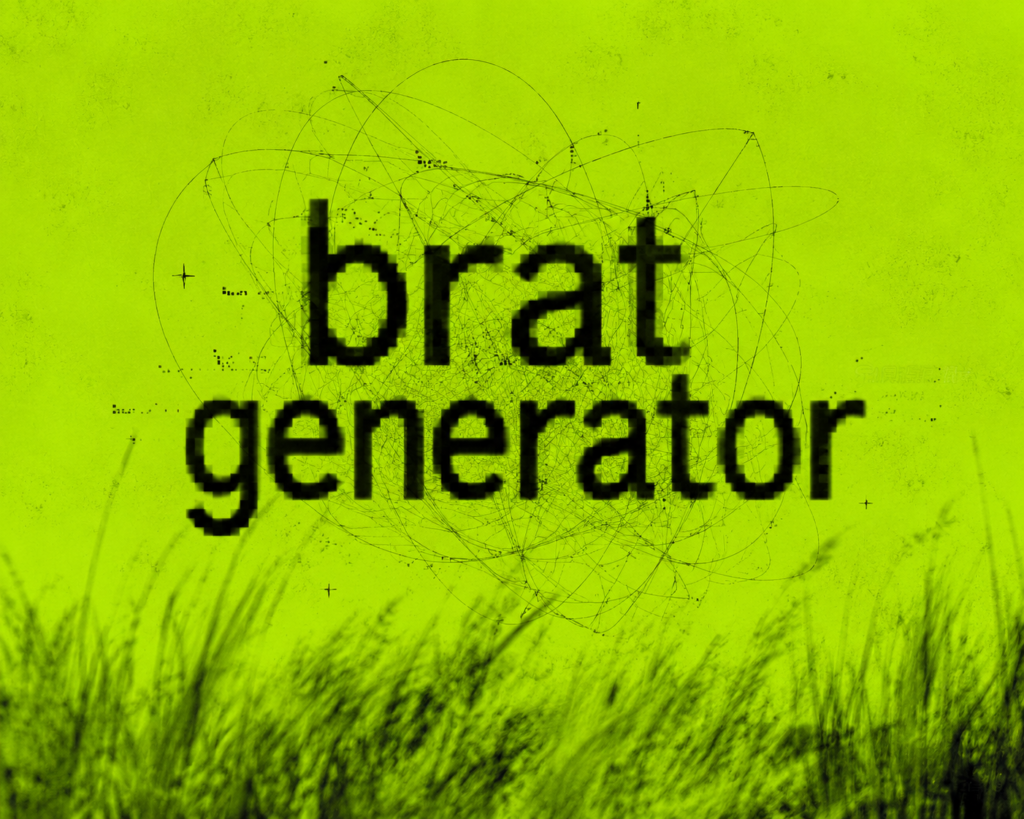
- Charli XCX Original: The classic layout. Lowercase bold text, a slight blur effect, and the signature lime green backdrop.
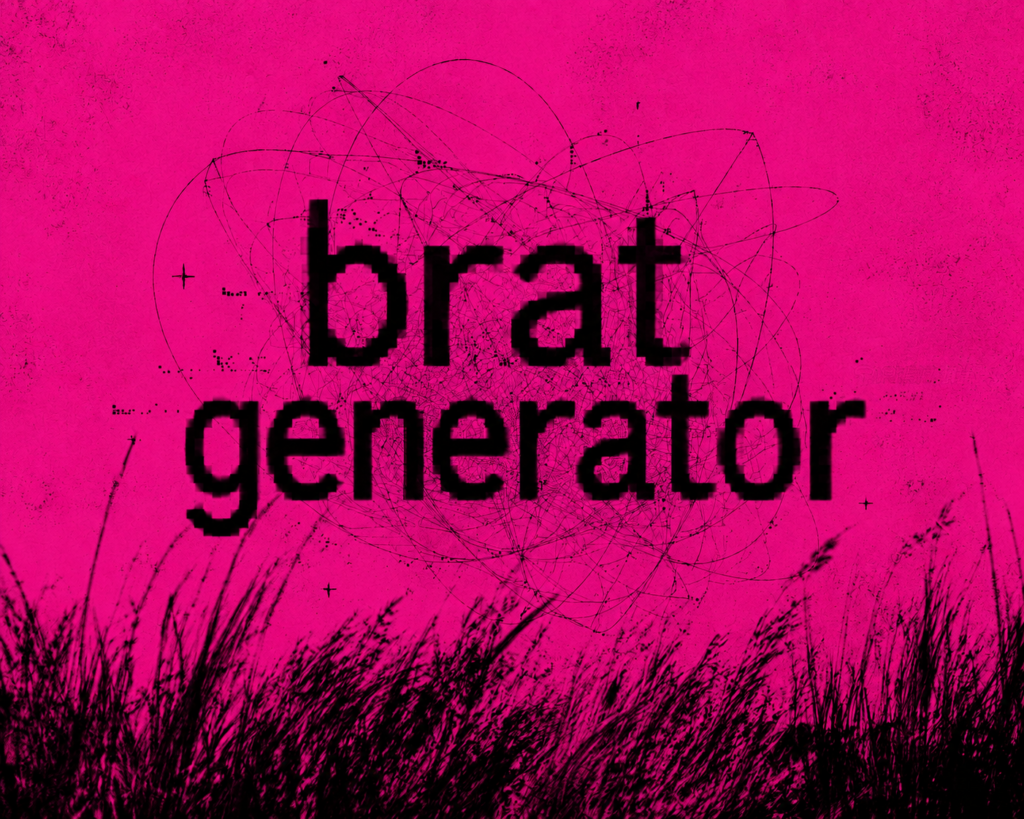
- Pink Brat Style: A softer, playful nod to the Y2K aesthetic featuring warm, dirty pink tones.
- White Brat Style: A clean, minimalist approach with a white background that lets your text do all the talking.
- Messy Anomaly Style: A chaotic, distorted, and highly artistic layout perfect for distinct digital art vibes.
Step 5: Customize Your Layout (Optional)
Fine-tune your design by adjusting the font size, alignment, tracking, and colors. The built-in real-time preview lets you see exactly how your graphic looks as you make changes.
Step 6: Generate and Download
Once you are happy with the preview, click the Generate button. Your high-resolution file will download instantly to your device, free of watermarks and ready to use.
Step 7: Share Worldwide
Upload your fresh design directly to TikTok, Instagram, or X (Twitter) and show off your custom style!
Step-by-Step Guide: Making a Viral Brat Generator Video for TikTok and Reels
Static images are great, but video-first platforms like TikTok, Instagram Reels, and YouTube Shorts are where this trend truly explodes. To craft a viral Brat Generator video, you need to perfectly sync your visuals with the right audio cues.
- Generate Your Assets: Use an online tool to create the custom text backgrounds you want to feature in your video.
- Pick the Trending Track: Open TikTok or Instagram and select an official trending audio track from the album (such as 360, Von dutch, or Apple).
- Edit in CapCut or InShot: Import your generated image into your favorite mobile video editor. Add subtle glitch filters, slight camera shakes, a chromatic aberration effect, or a retro VHS overlay to keep the vibe raw and authentic.
- Sync Text to the Beat: Time your transitions precisely to the music. When the main bass or beat drops, make your custom brat text aggressively pop up on the screen for maximum visual impact.
The Official Brat Color Palette
For creators who want their digital art to look perfectly authentic, these are the exact color codes driving the aesthetic. You can save these hex codes directly into your preferred design software:
| Color Name | Hex Code | Best Use Case |
| Core Brat Green | #8ACE00 | Main album cover backgrounds and text fills |
| Muted Brat Green | #72B300 | Softer green variations for diverse layouts |
| Creamy Off-White | #F9F6F0 | Clean minimalist backdrops and white brat styles |
| Blood Red Accent | #E02020 | Underlines, digital squiggles, and sticker highlights |
| Dirty Pink | #FF5E98 | Small contrast highlights and Y2K aesthetic touches |
| Almost-Black | #111111 | Lowercase Helvetica or Arial typography |
Pro Tip: If you are designing for mobile feeds, pairing the Core Brat Green (#8ACE00) background with Almost-Black (#111111) text yields the highest click-through rates on TikTok and Instagram thumbnails. The high contrast ensures it reads perfectly even on tiny mobile screens.
Brat Generator English vs. Other Languages: How to Font-Match Perfectly
The defining element of this entire visual movement is its typography. If the font structure is incorrect, the design instantly loses its authenticity. The Brat Generator English default framework works flawlessly because the original album cover relies entirely on the standard Western Arial typeface, which perfectly accommodates lowercase English alphabets.
If you attempt to input non-English characters or scripts (such as Arabic, Urdu, or Kanji), the generator may struggle to render, or it might lose the classic lo-fi pixelation and vertical stretch. For an authentic look, it is highly recommended to stick to lowercase English text and keep your character count short to preserve that messy, unpolished, and iconic lo-fi presentation.
Is the Brat Generator APK Premium Worth Downloading? Features & Safety Tips
For power users, mobile photographers, and digital editors who prefer working within dedicated apps rather than refreshing websites, mobile app packages are highly sought after. This has led to the rise of specialized Brat Generator APK premium applications designed specifically for Android devices.
Key Premium Features:
- Ad-Free Editing: Completely eliminates annoying pop-ups and full-screen video ads.
- Granular Blur Controls: Allows you to manually adjust pixelation, blur intensity, and text distortion variables.
- Ultra-HD Exports: Lets you save your final designs in lossless vector or high-resolution dimensions for print.
Why Creators Prefer This Brat Generator
- 100% Free, Always: No credit cards, no premium paywalls, and no subscription tiers. Every single feature is accessible to everyone.
- No Account Required: You don’t need to hand over your email or link a social profile. Open the web page, build your graphic, and go.
- Completely Watermark-Free: Every export is perfectly clean and professional. What you create belongs entirely to you.
- High-Resolution Output: Supports crystal-clear exports up to 3000×3000 pixels, making your designs sharp enough for physical posters and custom merchandise printing.
- Pre-made Canvas Sizes: Forget manual resizing. Choose instantly between Square (800×800), Instagram Post (1080×1080), Instagram Story (1080×1920), or YouTube Thumbnail (1280×720).
- Full Emoji Integration: Emojis render flawlessly right alongside your text without breaking the font alignment or causing device display glitches.
- Cross-Device Compatibility: The platform is fully responsive and mobile-optimized. Save graphics directly to your camera roll with a single tap on iOS or Android.
Frequently Asked Questions (FAQs)
Is the Brat Generator safe to use?
Yes, it is entirely safe. The tool runs directly in your web browser and does not require any software downloads, account creation, or personal data entry.
Can I use these graphics on my phone?
Absolutely. The interface is optimized for mobile touchscreens, allowing you to type, style, and download your images directly to your iPhone or Android gallery seamlessly.
Are there any restrictions on sharing the generated images?
None at all. Because our tool does not stamp watermarks onto your finished pieces, you are free to post them across any social media platform, use them in video edits, or feature them in creative personal projects.
Final Words
Transforming your thoughts, favorite lyrics, or personal branding into an iconic internet statement has never been easier. The tool is available right at the top of this page—simply type your phrase to begin.
Explore Our Other Free Creative Tools:
- Brat Lyrics Generator: Convert iconic song lyrics into stylized, shareable music graphics.
- Brat Meme Generator: Quickly pair custom text with trending templates for instant social media engagement.
- Album Cover Generator: Design fully customized, professional-grade cover art for your playlists and music releases.